Some links in this post are affiliate links. If you buy through one, I may earn a small commission at no extra cost to you. As an Amazon Associate I earn from qualifying purchases.
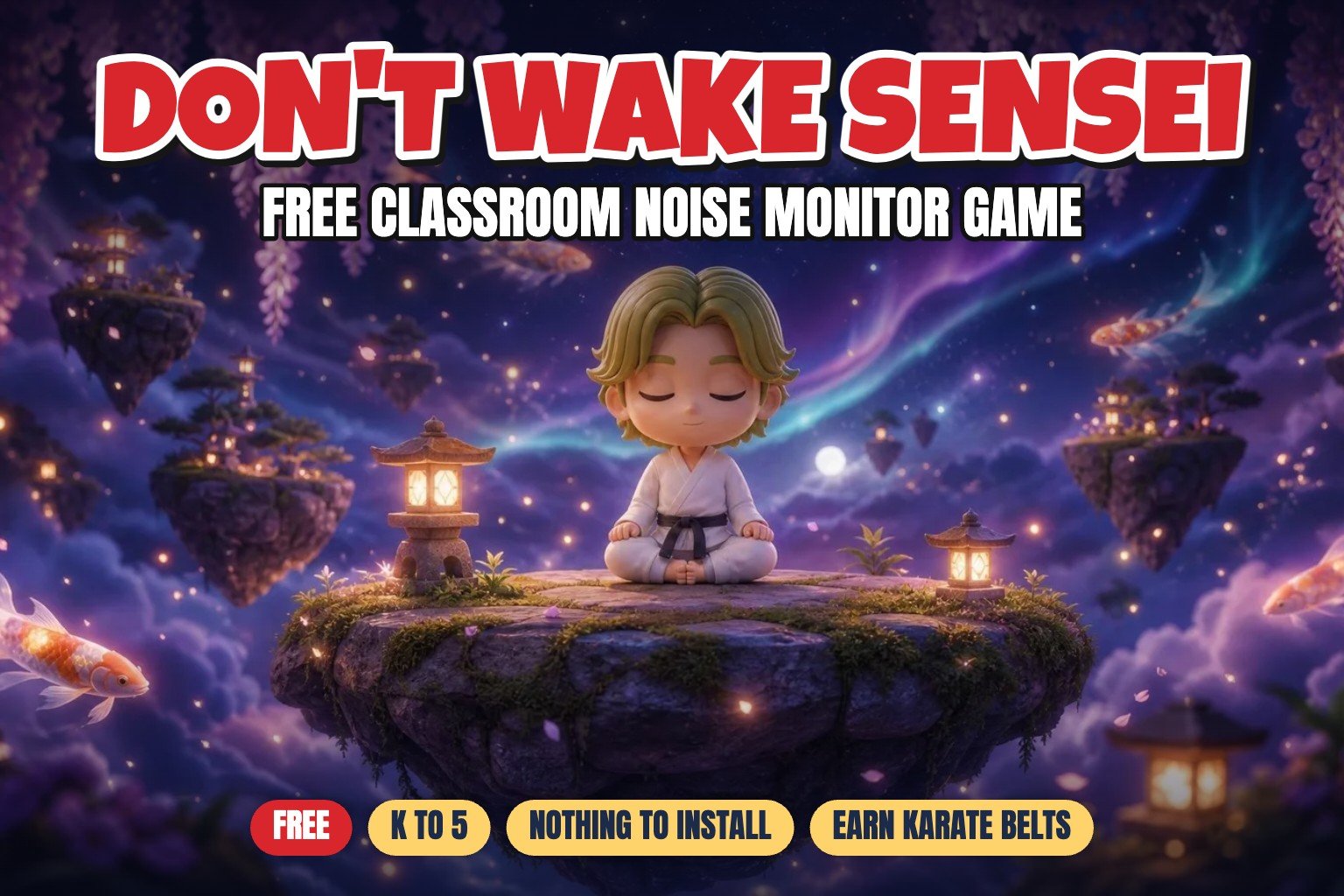
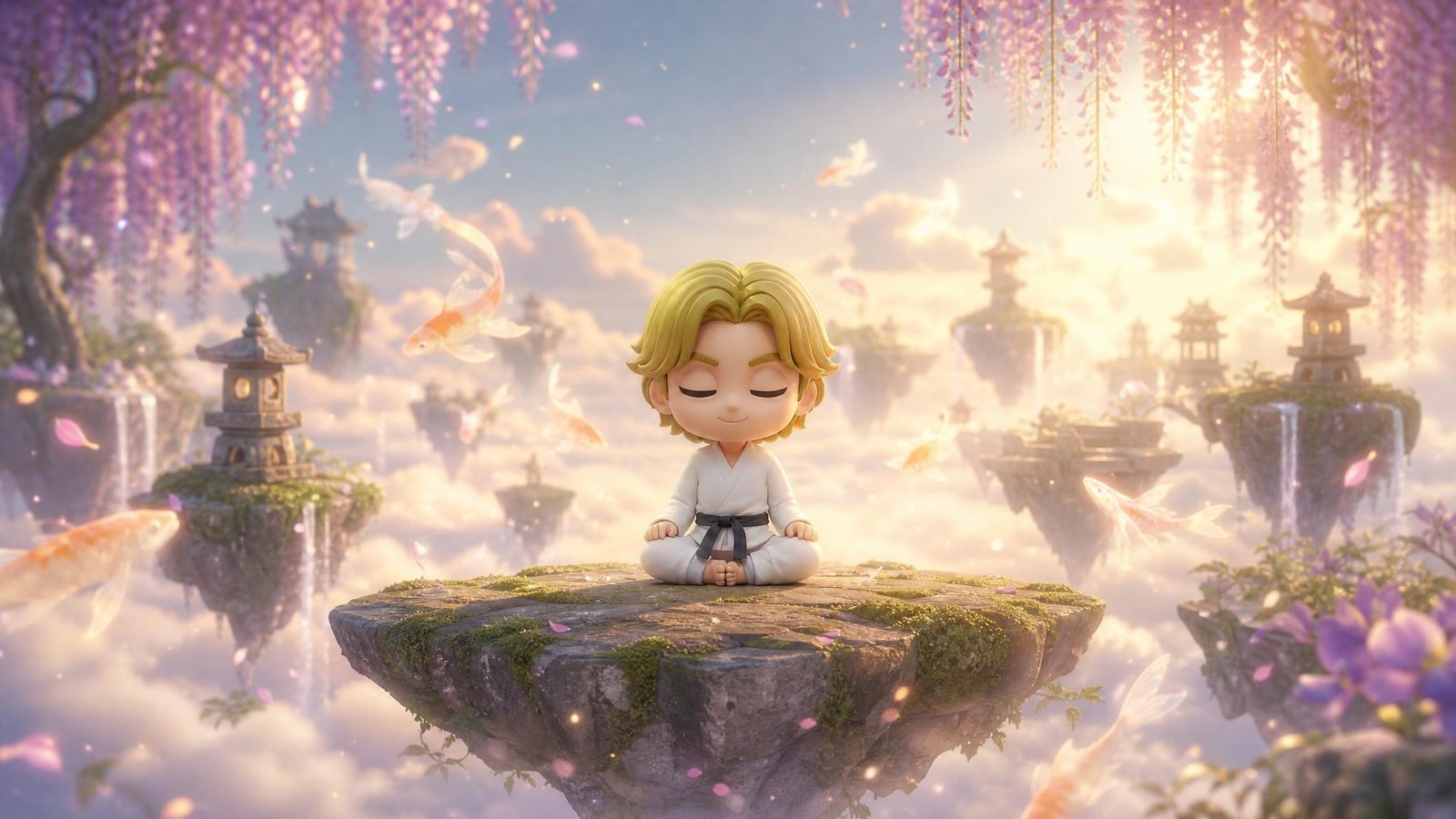
Don’t Wake Sensei is a free classroom noise monitor that works like a game. Put it on your board, and Sensei meditates in his dojo while the room stays calm. Keep the noise under the quiet line and the whole class earns karate belts together, from White Belt all the way to the Golden Belt. Get too loud and Sensei wakes up with a gentle gong.
How it works
- Open it on your board or laptop. It runs in the browser, so there is nothing to install.
- Set the quiet line. Slide it to suit your room, or let the dojo listen for a few seconds and set itself.
- Earn belts together. Every two minutes the class stays under the line, they move up a belt. You choose the time.
- Wake him and the belt starts again. The moment the room gets too loud, Sensei wakes and progress on the current belt resets instantly. No buzzers, no shouting.
- Optional focus timer. Add a 5 to 30 minute countdown for independent work.
- No microphone? Use Teacher mode. Switch it on in settings and a Wake Sensei button replaces the meter. Tap it when the room gets too loud.
Calm places to unlock
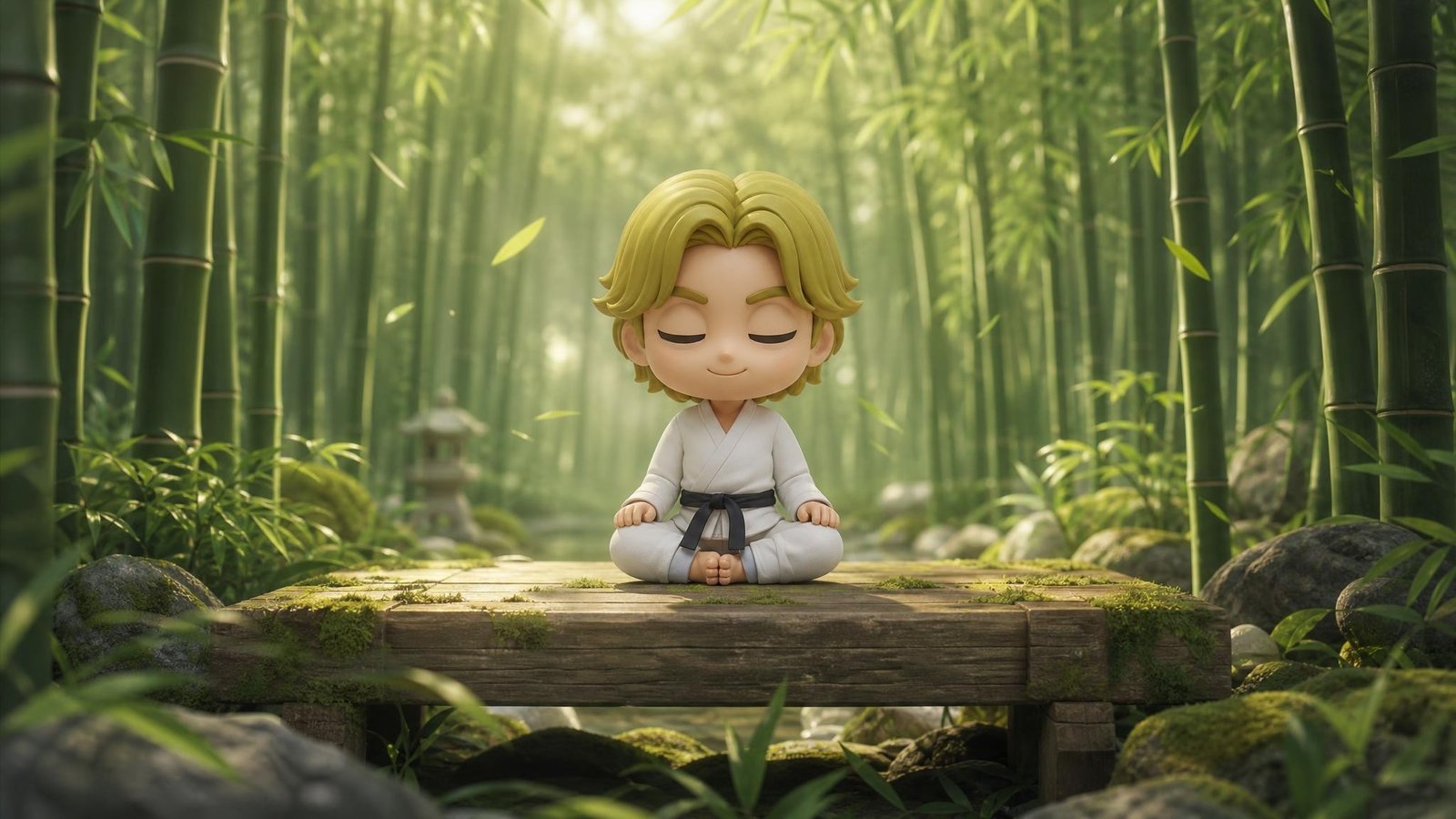
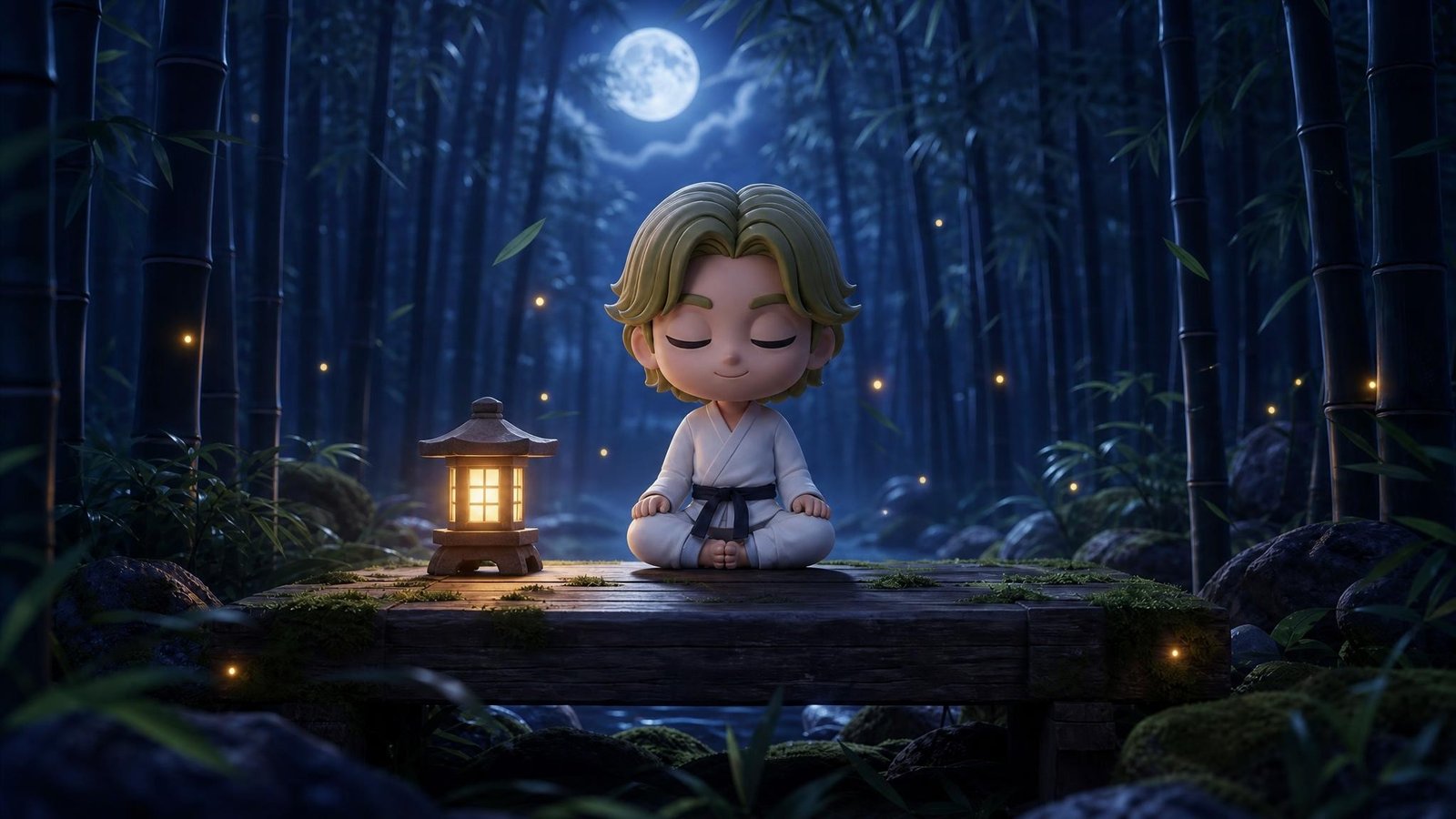
Every belt takes Sensei somewhere new, first by day and then by night. Your class starts in the Bamboo Forest and works its way up to the Spirit Realm, and the Dojo and Winter Dojo are open from day one. In each place Sensei meditates, sneaks a little peek, and jumps when the room gets too loud. You can switch between the places you have unlocked any time.





Beyond black belt: the Golden Belt
Black belt is not the end. After the 1st to 10th Dan grades your class reaches the Golden Belt in the Spirit Realm. From there every calm stretch earns a golden koi, and ten koi climb the waterfall to become a golden dragon. It gives older classes something to chase all year.
Made for real classrooms
- Works for K to 5th grade, and older classes love the black belt night dojo.
- The microphone only senses noise level. Nothing is recorded, saved or sent anywhere.
- Once it has loaded, it keeps working if the wifi drops.
- Free to use with your class, every day.
- The Sensei printables are one tap away in the app’s side menu, so the posters on your wall match the game on your board.
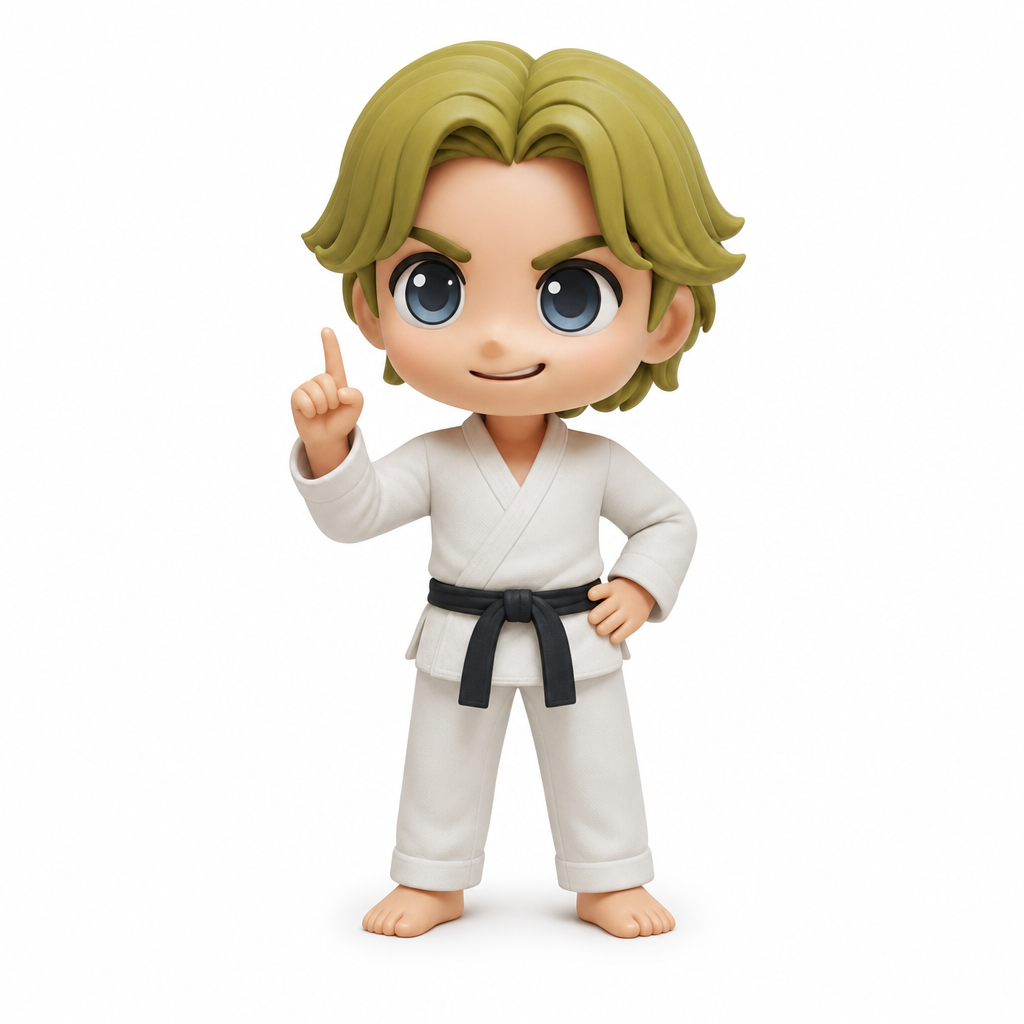
I built Sensei for my own classroom because I wanted a calm way to bring the volume down without being the one doing the shushing. Children get invested in earning the next belt surprisingly fast.
Sensei printables
Bring Sensei off the board and onto your walls
Every printable matches the app, so your posters, charts and rewards all speak the same calm language.
Best value
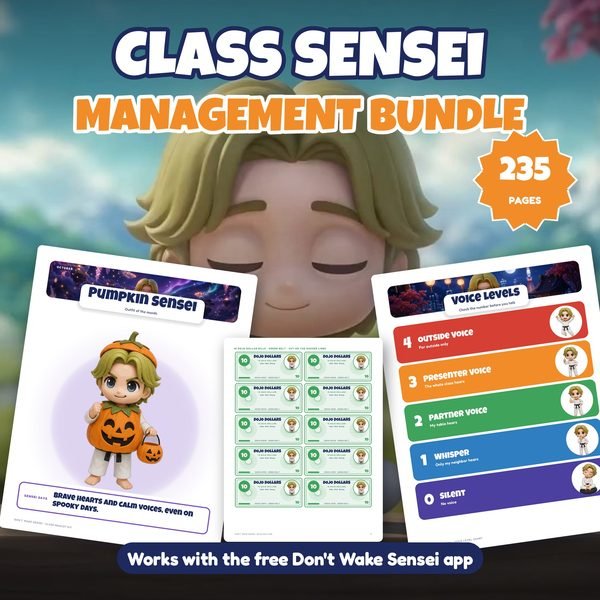
Class Sensei Management Bundle
All 8 Sensei sets in one download: voice levels, belts, jobs, feelings, mascot, Dojo Dollars and stickers. 235 matching pages.
Free printable
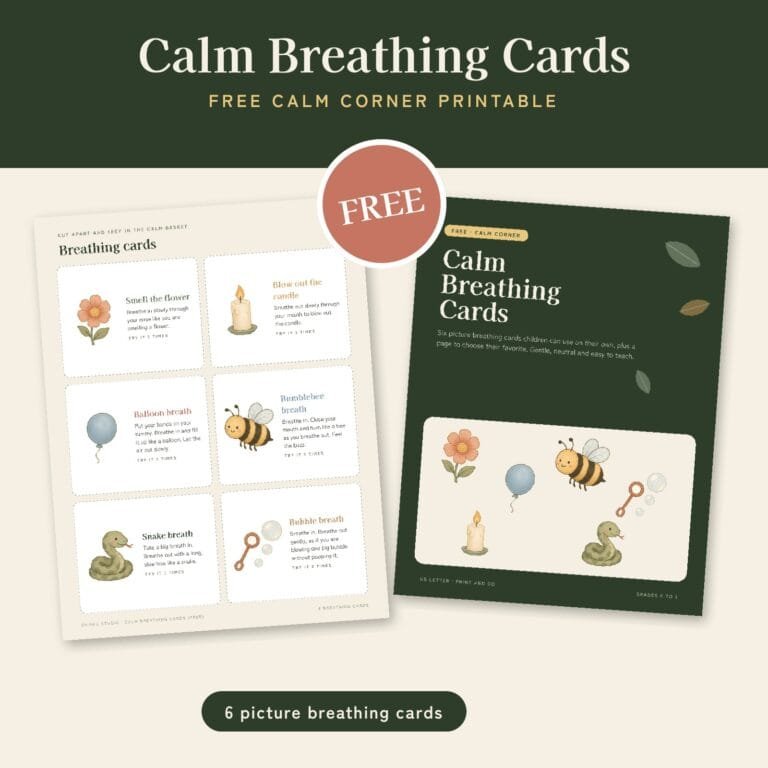
Free Calm Breathing Cards
6 picture breathing cards (smell the flower, bumblebee breath, snake breath and more) for your calm corner. Teach one a day.
Free download. You will also get a couple of follow-up emails with classroom ideas. Unsubscribe anytime.
More ways to keep the room calm: set up a calm down corner for children who need a reset, and try these tricks for quieting a noisy class before the monitor ever wakes Sensei.
Questions teachers ask
Is Don’t Wake Sensei really free?
Yes. Sign up with your email and you get the link for free. There is nothing to pay and nothing to install.
Does it record my class?
No. It uses the microphone only to measure how loud the room is, the same way a noise meter does. No sound is saved or sent anywhere.
What devices does it work on?
Any laptop, Chromebook or interactive whiteboard computer with a modern browser and a microphone. It also works on tablets.
Can I change how strict it is?
Yes. You can move the quiet line, change the microphone sensitivity and set how long it takes to earn a belt. Or switch on Teacher mode and decide yourself when Sensei wakes.